
Meeting Flows & collaboration
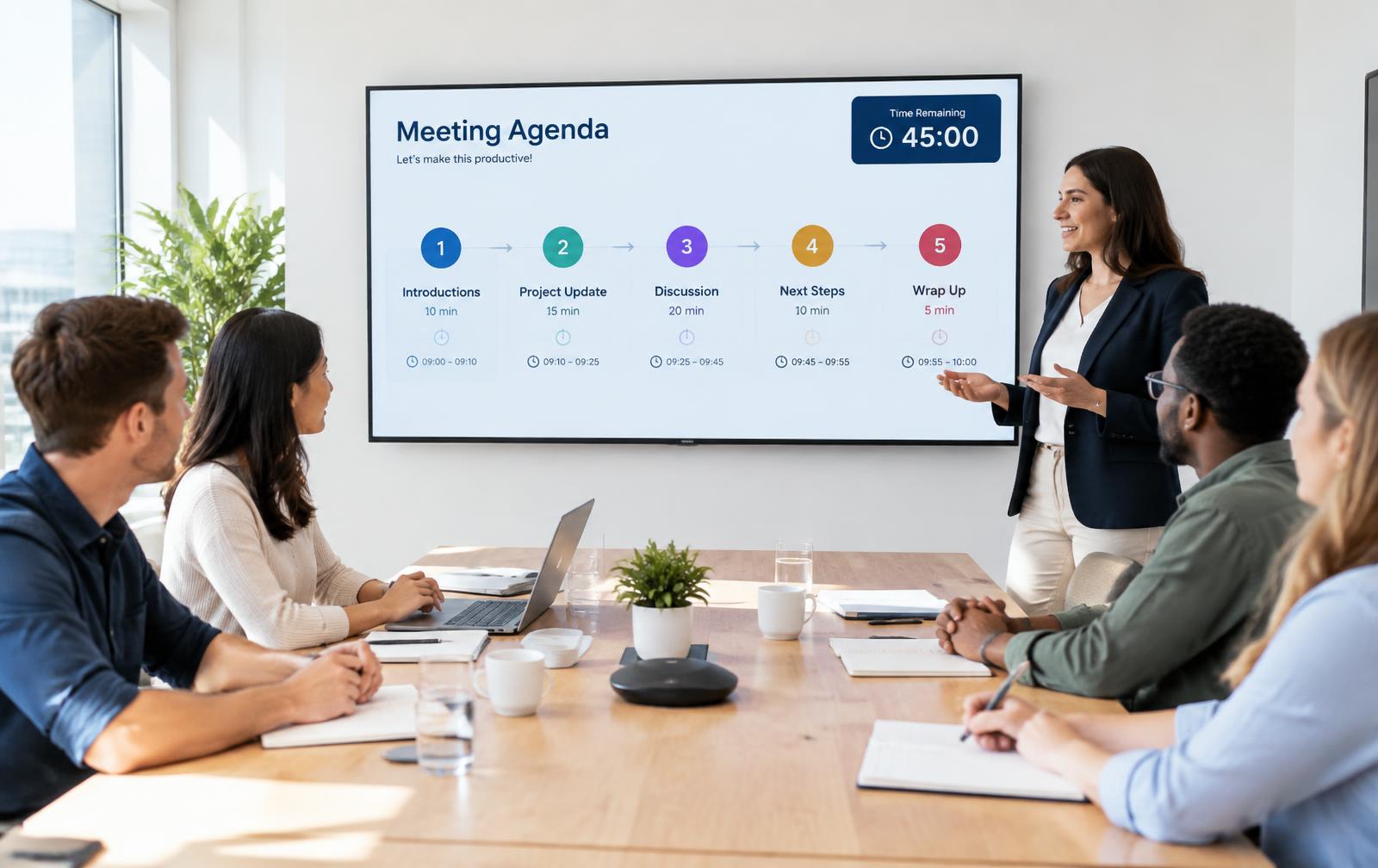
Shorter meetings.
Clear next steps.
PlanSmarter Meeting Flows guides every meeting from invitation to agenda, minutes and follow-up — so decisions turn into assigned tasks before people leave the room.
- Step-by-step agendas with timers
- Action items become tasks in the Planner
- Invitations, alerts and calendar in one place
Features
Everything around the meeting
Before, during and after — connected to your planning.
Meeting flows
Reusable agendas step by step, each with time and owner.
Timers per step
Keep the meeting on track with a visible countdown.
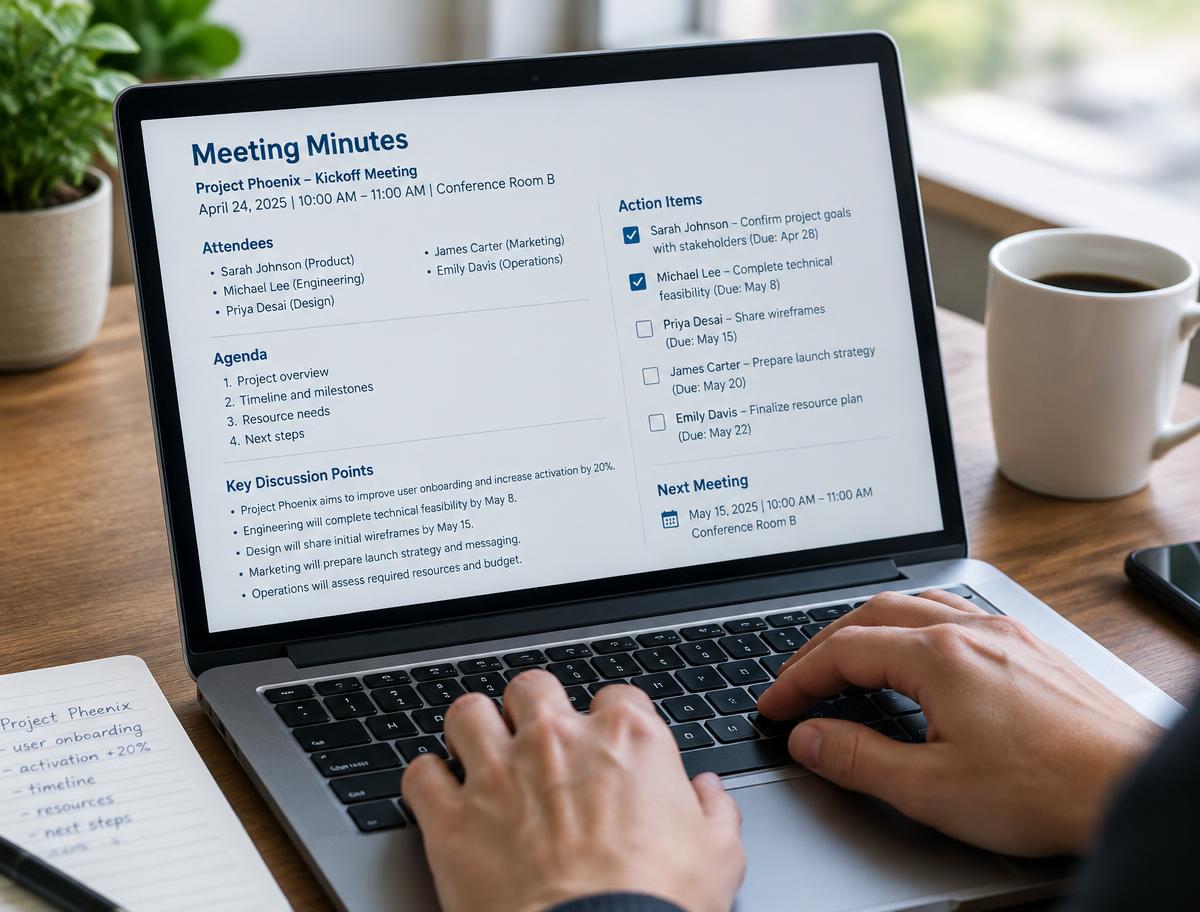
Minutes & decisions
Write minutes as you go; decisions are saved per meeting.
Action items → tasks
Every action gets an owner and a due date in the Planner.
Meeting plan
See all recurring meetings for the year in one plan.
Invitations & alerts
Invitations arrive as alerts with a deep link to the flow.
Chat & comments
Discuss points before and after in the workspace chat.
Live demos
Share your screen as a light live player — no screen-sharing app needed.
Minutes that do the follow-up
Decisions and actions are captured in the flow and land in the Planner with owners and deadlines.
- Actions assigned during the meeting
- Status of last meeting's actions on the agenda
- Minutes shared and saved as PDF
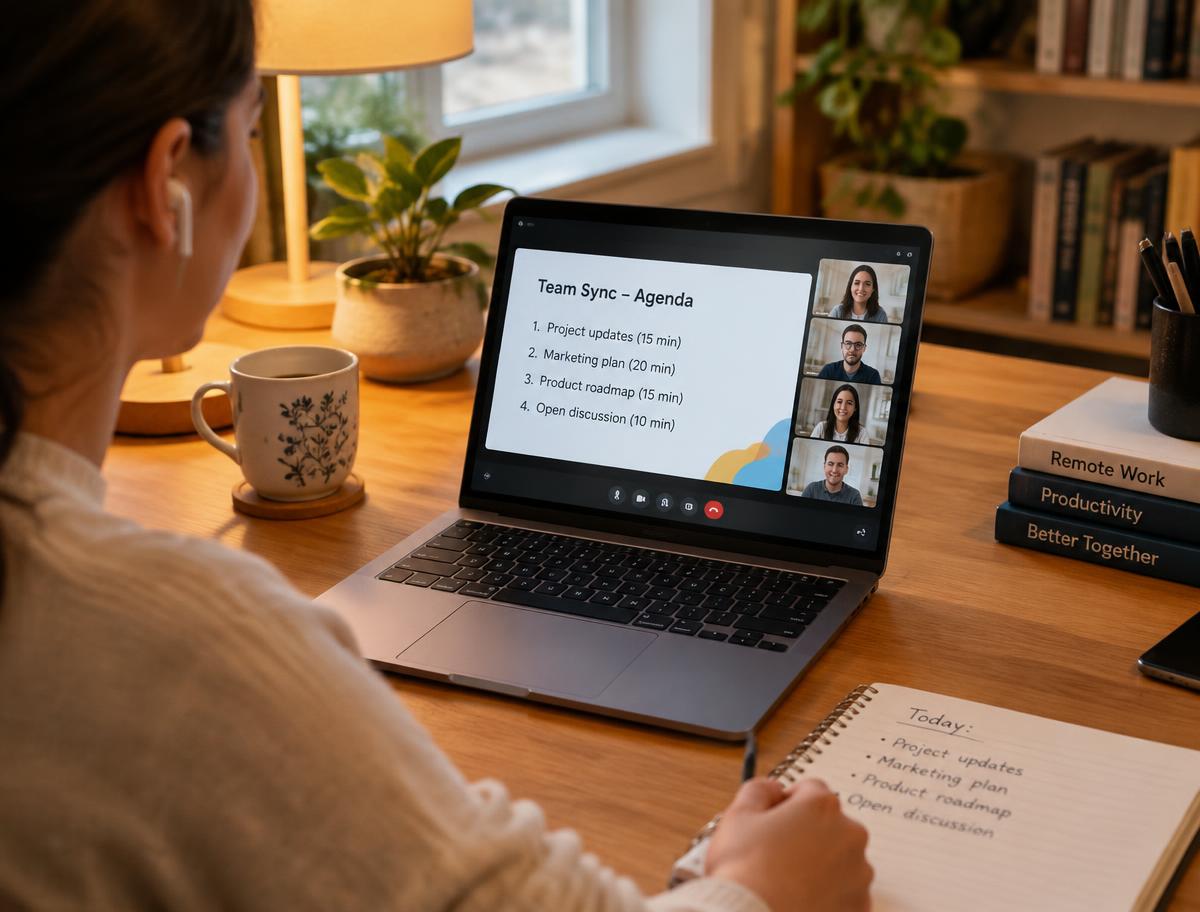
Hybrid meetings without chaos
Everyone follows the same agenda live, whether they're in the room or at home.
- Live demo link with a 6-letter code
- Reactions, questions and raise hand
- Recordings for those who missed it
AI in meetings
AI that writes the boring part
Spend the meeting on decisions, not on notes.
Agenda suggestions
Draft an agenda from open tasks and last meeting's actions.
Minutes summary
Turn quick notes into clean minutes in seconds.
Actions from text
AI picks out action items and proposes owners and deadlines.
Smart follow-up
Get reminded about overdue actions before the next meeting.
Use cases
For every meeting that should lead somewhere
Management meetings
Weekly flows with KPIs, decisions and follow-up.
Site & project meetings
Progress, risks and actions per project.
Quality & safety
Fixed agendas with documented decisions for audits.
Board & staff meetings
Minutes, attendance and actions kept in one archive.
Customers
Meetings people actually like
"Our Monday meeting went from 90 to 45 minutes, and nothing falls between chairs any more."
"The actions just appear in people's planners. Follow-up happens by itself."
"Live demos without screen sharing — our customers join from their phones."
Why PlanSmarter
Meetings connected to the work
Meeting tools stop at the notes. PlanSmarter carries decisions into the plan.
| Capability | PlanSmarter | Typical meeting tools |
|---|---|---|
| Agendas and minutes | ||
| Timers per agenda step | partly | |
| Actions become planned tasks | — | |
| Yearly meeting plan | — | |
| Live demo player without screen sharing | — | |
| Planner, calendar & chat in one system | — |
Make your next meeting count.
Pick a template flow, invite your team and run it today.