Planning for teams & organisations

Everyone knows what to do this week

PlanSmarter turns scattered to-do lists into one shared, visual plan. Drag tasks onto the right person and day, track progress on live dashboards, and let every employee update their own tasks from their phone.

  • No credit card needed
  • Up and running in a day
  • Works on desktop and mobile

Why teams switch

Six everyday pains — solved

Every tile is a problem we hear every week, and the PlanSmarter modules that make it disappear.

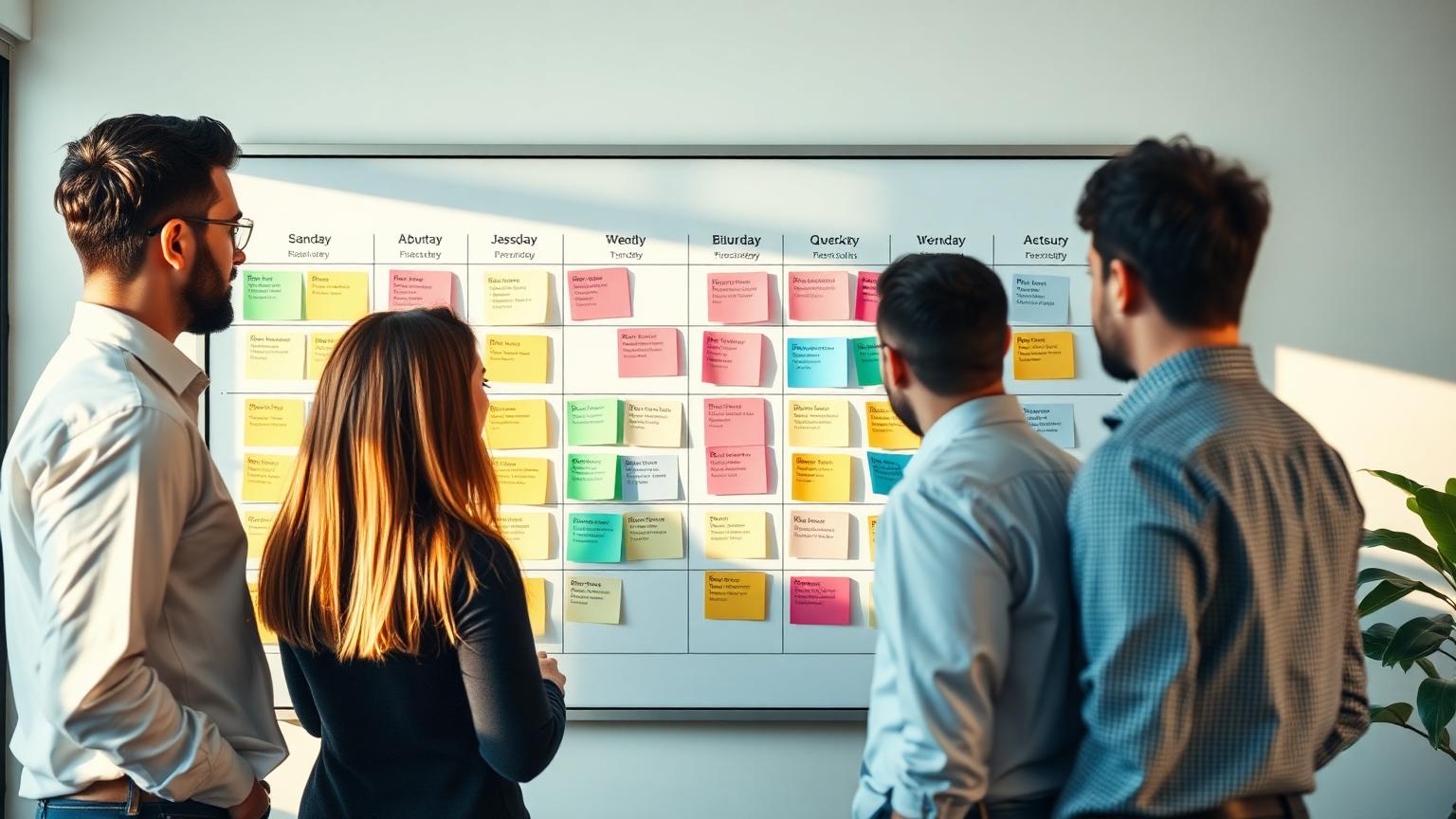
A team reviewing a shared weekly plan on a large board

Nobody knows who does what

  • Week View: one shared board for the whole team
  • Drag-and-drop assignment with instant workload warnings
  • Colour-coded statuses, tags and priorities
  • Quick-add tasks straight into a person's day

See how it works
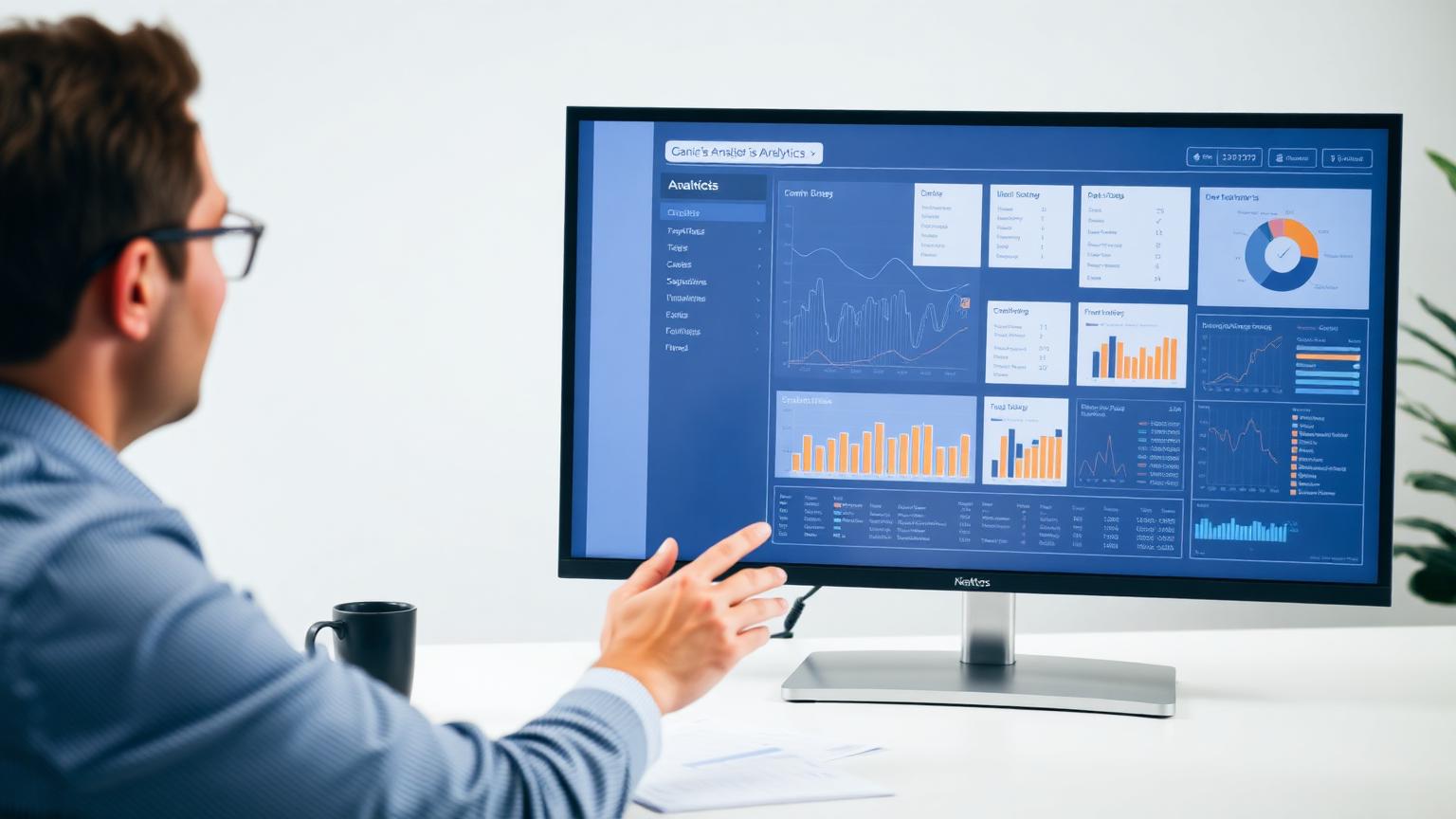
A manager reading a live KPI dashboard on a large screen

Endless status meetings

  • Dashboard & KPIs updating live as work changes
  • Drill-down from any card to the exact tasks behind it
  • Team, priority and company views in one place
  • Share a link instead of booking another meeting
See how it works
Searching a digital document archive next to shelves of binders

Documents nobody can find

  • Document portal with AI semantic search
  • Automatic DIR, version, issuer and date extraction
  • Related documents linked by DIR — or by hand
  • QR codes and share links for every revision
See how it works
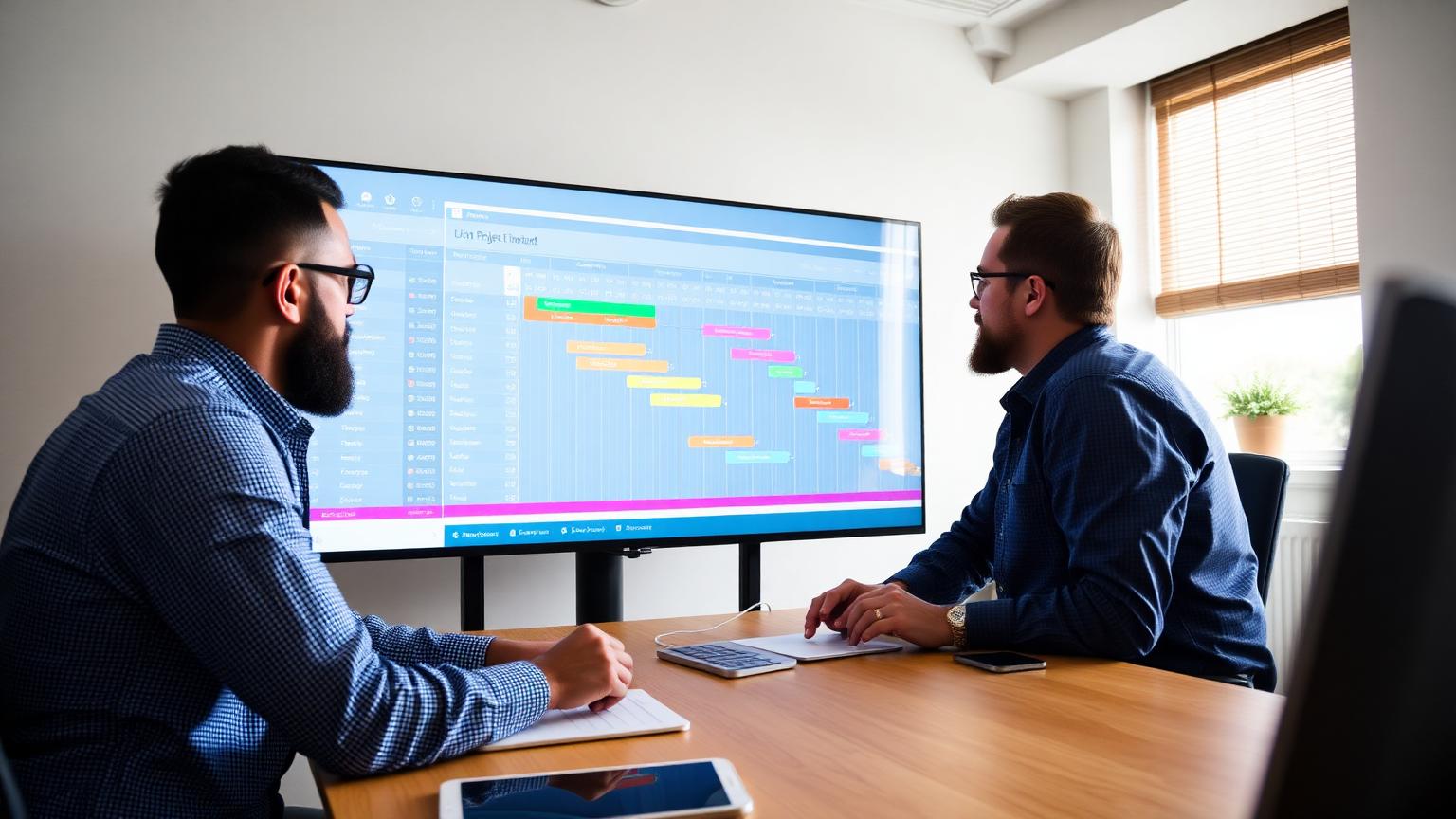
Two managers reviewing a project timeline with milestones

Projects slip unnoticed

  • Projects with milestones, Gantt timeline and progress snapshots
  • Push project work straight into the weekly plan
  • Automatic reminders before a milestone is missed
  • Activity log and analytics per project
See how it works
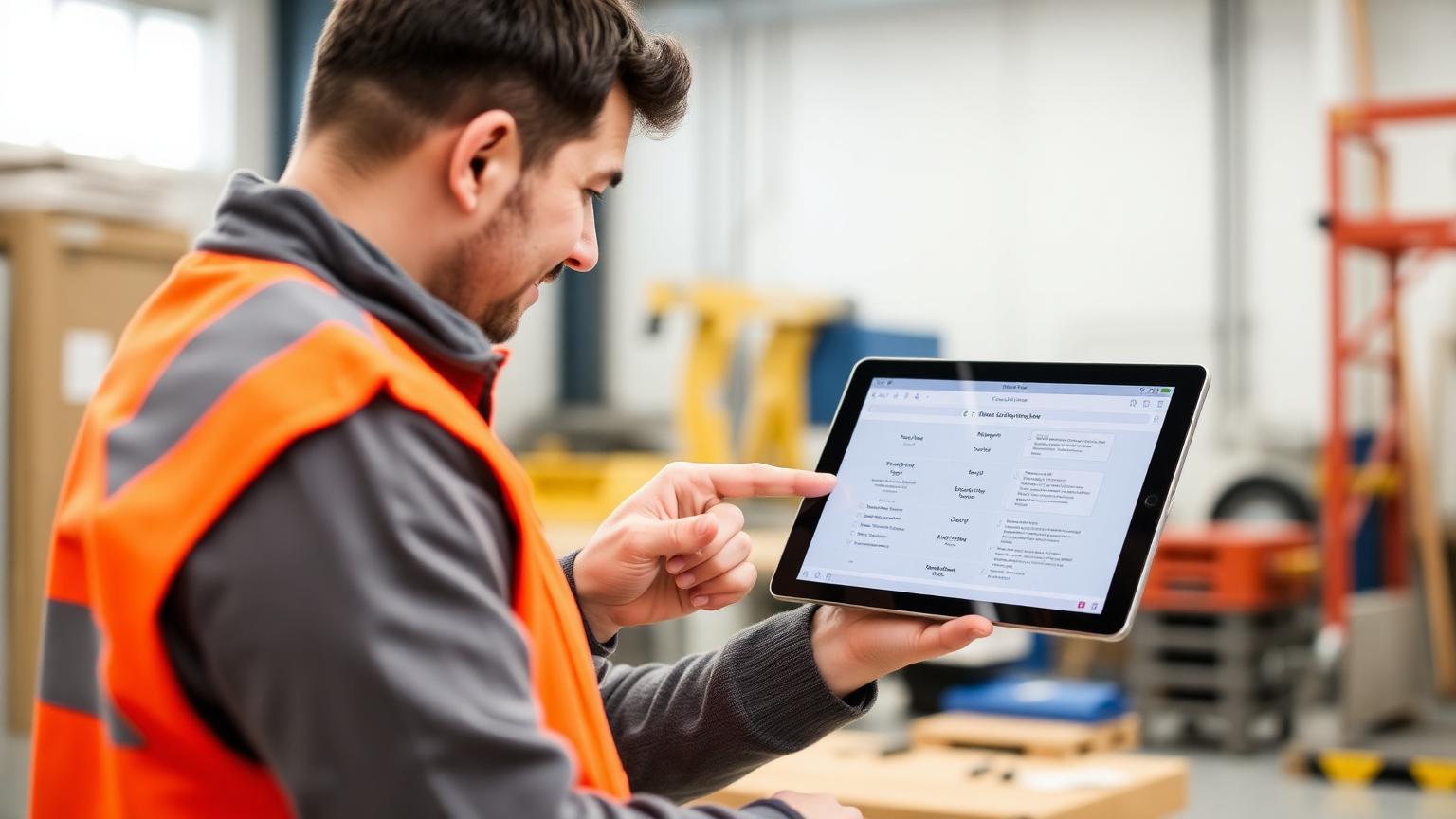
A field technician checking assigned tasks on a phone

Field teams out of the loop

  • Mobile app for phones — today, week and my tasks
  • One-tap status updates and swipe actions
  • Push notifications, calls and contacts built in
  • Works from the browser: nothing to install
See how it works
70%
less time spent in status meetings
1 board
for the whole team's week
3 views
daily, weekly and monthly
100%
of tasks visible to the right people

Why PlanSmarter

Built for the people doing the work

Managers get an overview they can steer by. Employees get a simple list they can actually keep current.

Visual week board

Drag and drop tasks across days and employees. Reassign in one move.

Fair workload

See instantly who is overloaded and who has room before you assign.

Live dashboards

Completion, overdue work and coverage update as the team works.

Mobile for employees

Complete, postpone and add tasks from a phone in seconds.

Everything in one place

One planning system instead of five tools

Daily, weekly, monthly

Switch between horizons without rebuilding your plan.

Task templates

Recurring work is planned once and appears automatically.

Day tags

Mark holidays, campaigns, shifts and special days with colour and icons.

Roles & permissions

Admin, manager and user roles control every module and menu.

Files on tasks

Attach documents, photos and links so context lives with the work.

Postpone requests

Employees ask, managers approve. Nothing slips silently.

Week view

Plan the week in a single screen

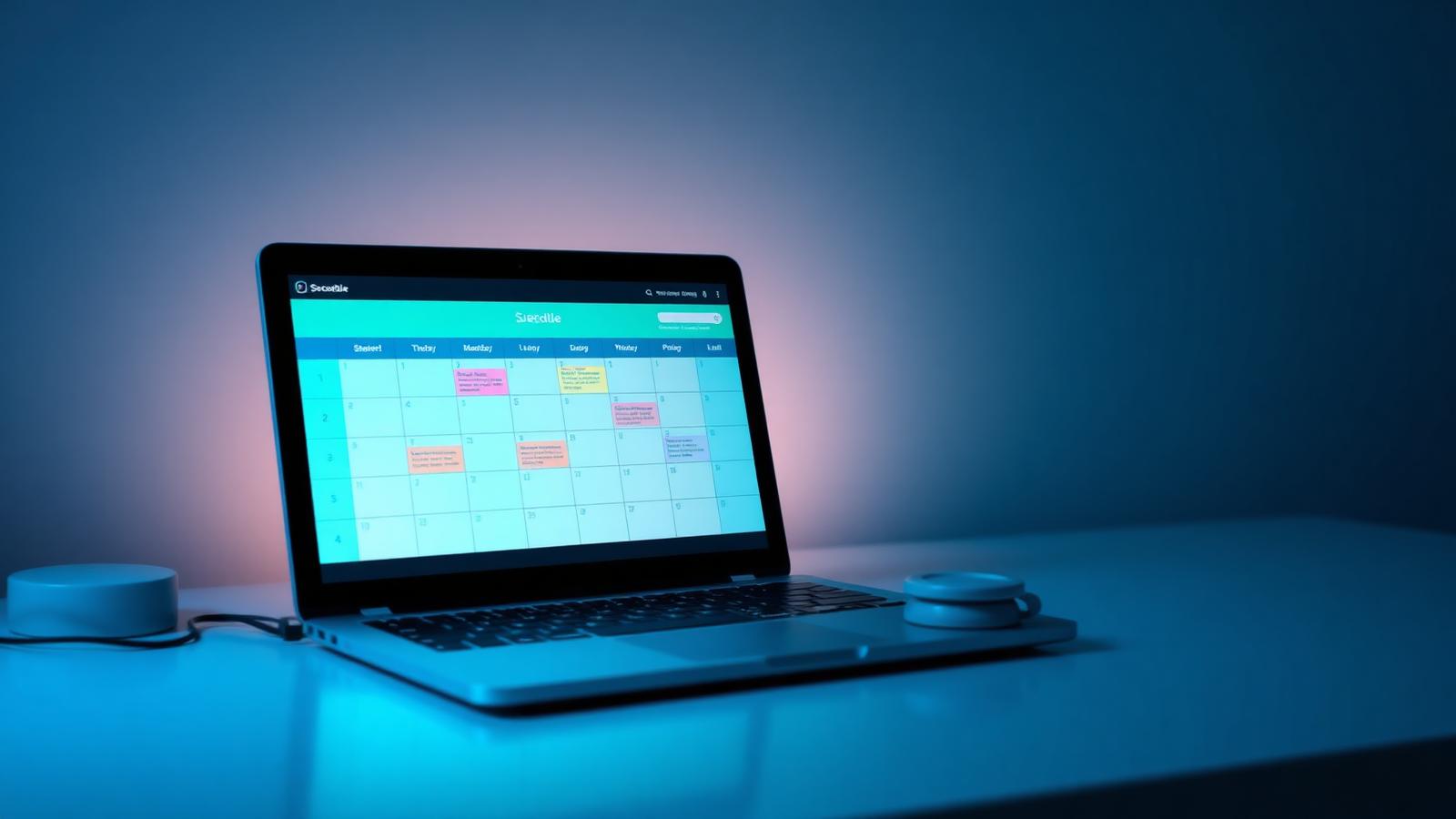
Rows are your people, columns are the days. Drag a task to move it, click a cell to add one, and filter by status to see only what matters right now.

  • Drag-and-drop reassignment
  • Quick-add directly in a cell
  • Filter by open, completed or postponed
  • Bulk tag multiple days at once
Plan the week in a single screen

Dashboards

Numbers your managers can act on

Three dashboard pages cover task KPIs, priorities and targets, and team and company news — all updating live as tasks are completed or reassigned.

  • Completion, overdue and coverage KPIs
  • Animated deltas so change is visible
  • Drill through from any widget into the plan
  • Stress, workload and satisfaction gauges
Numbers your managers can act on

Product tour

See PlanSmarter in action

Screenshots from the planner, dashboards and the mobile app.

From the field

What teams say

We replaced a whiteboard, two spreadsheets and a group chat with one board. Monday mornings are calm now.

Anna — Operations manager

The workload view stopped us overloading the same three people every week.

Mikkel — Team lead

I check my phone, tick off what I finished and request a postpone if needed. That is it.

Sara — Technician

Questions we get a lot

Ready to plan smarter?

Create your organisation, invite your team and build your first week board in minutes.

Product updates, once a month

Short notes on new modules and planning tips. No spam.

Why teams switch

Six everyday pains — solved

Every tile is a problem we hear every week, and the PlanSmarter modules that make it disappear.

A team reviewing a shared weekly plan on a large board

Nobody knows who does what

  • Week View: one shared board for the whole team
  • Drag-and-drop assignment with instant workload warnings
  • Colour-coded statuses, tags and priorities
  • Quick-add tasks straight into a person's day
See how it works
A manager reading a live KPI dashboard on a large screen

Endless status meetings

  • Dashboard & KPIs updating live as work changes
  • Drill-down from any card to the exact tasks behind it
  • Team, priority and company views in one place
  • Share a link instead of booking another meeting
See how it works
Searching a digital document archive next to shelves of binders

Documents nobody can find

  • Document portal with AI semantic search
  • Automatic DIR, version, issuer and date extraction
  • Related documents linked by DIR — or by hand
  • QR codes and share links for every revision
See how it works
Two managers reviewing a project timeline with milestones

Projects slip unnoticed

  • Projects with milestones, Gantt timeline and progress snapshots
  • Push project work straight into the weekly plan
  • Automatic reminders before a milestone is missed
  • Activity log and analytics per project
See how it works
A field technician checking assigned tasks on a phone

Field teams out of the loop

  • Mobile app for phones — today, week and my tasks
  • One-tap status updates and swipe actions
  • Push notifications, calls and contacts built in
  • Works from the browser: nothing to install
See how it works