


Documents
The sticky note, where the work is
Drop a note on any screen. It stays there, in colour, for you or for the team.
Why it exists
Small context — a warning, a reminder, a half-decision — has nowhere to live in most systems. 3M notes keep it attached to the exact screen, board or process step it belongs to.
Small context — a warning, a reminder, a half-decision — has nowhere to live in most systems. 3M notes keep it attached to the exact screen, board or process step it belongs to.
Features
What you get
A top layer that follows the screen.
Bind a note to a whiteboard or workflow step.
Share explicitly when it should be team-wide.
All notes gathered, searchable and filterable.
See how a note evolved.
Share a filtered notes view exactly as you see it.
Benefits
What it changes for your team
For employees
- Context where you need it
- Nothing lost between shifts
For managers
- Team-wide reminders
- Visible handover notes
For the organisation
- Tacit knowledge captured in place
Screenshots
See it in the product
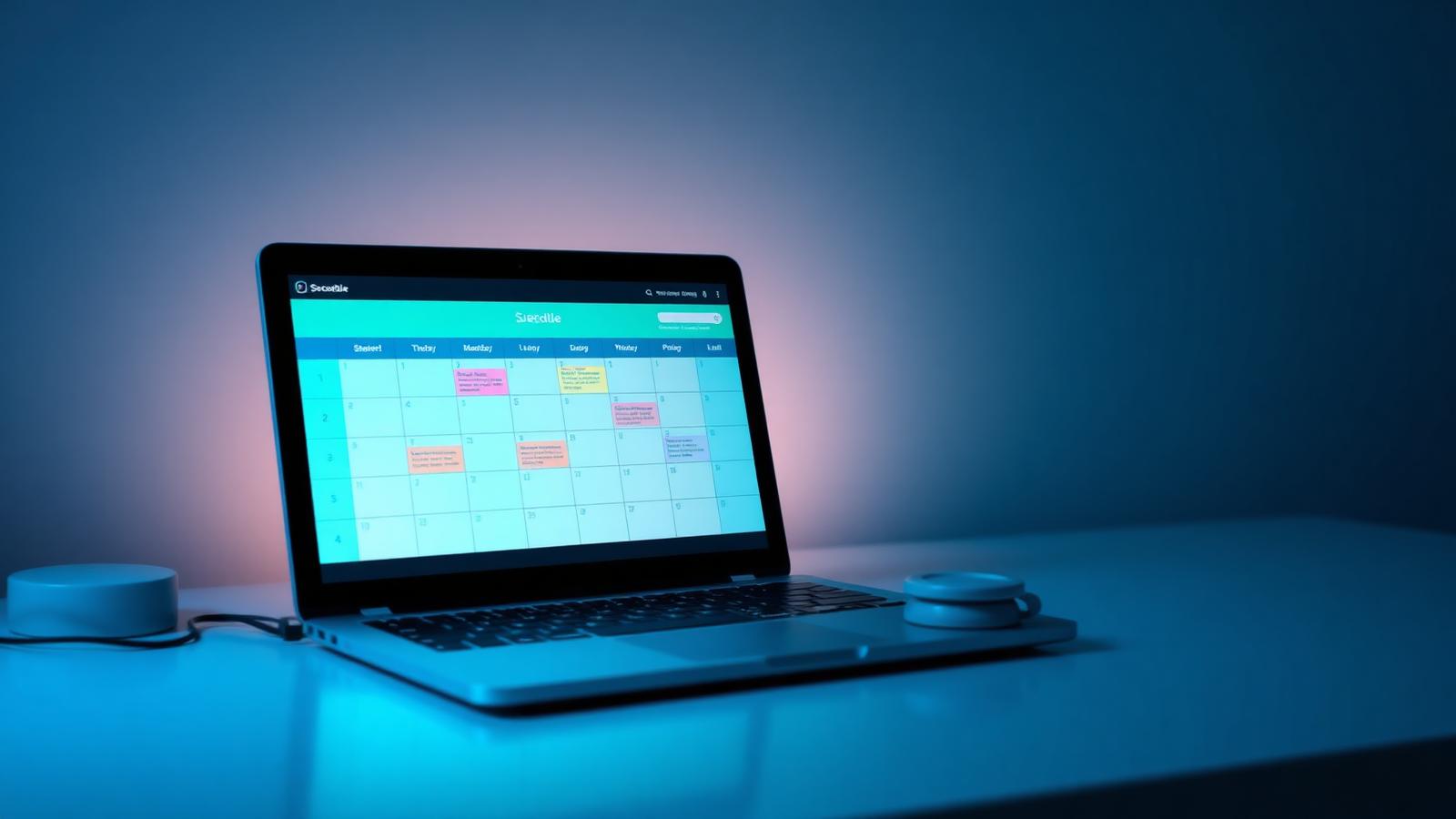
Real screens captured from PlanSmarter.
Works together