
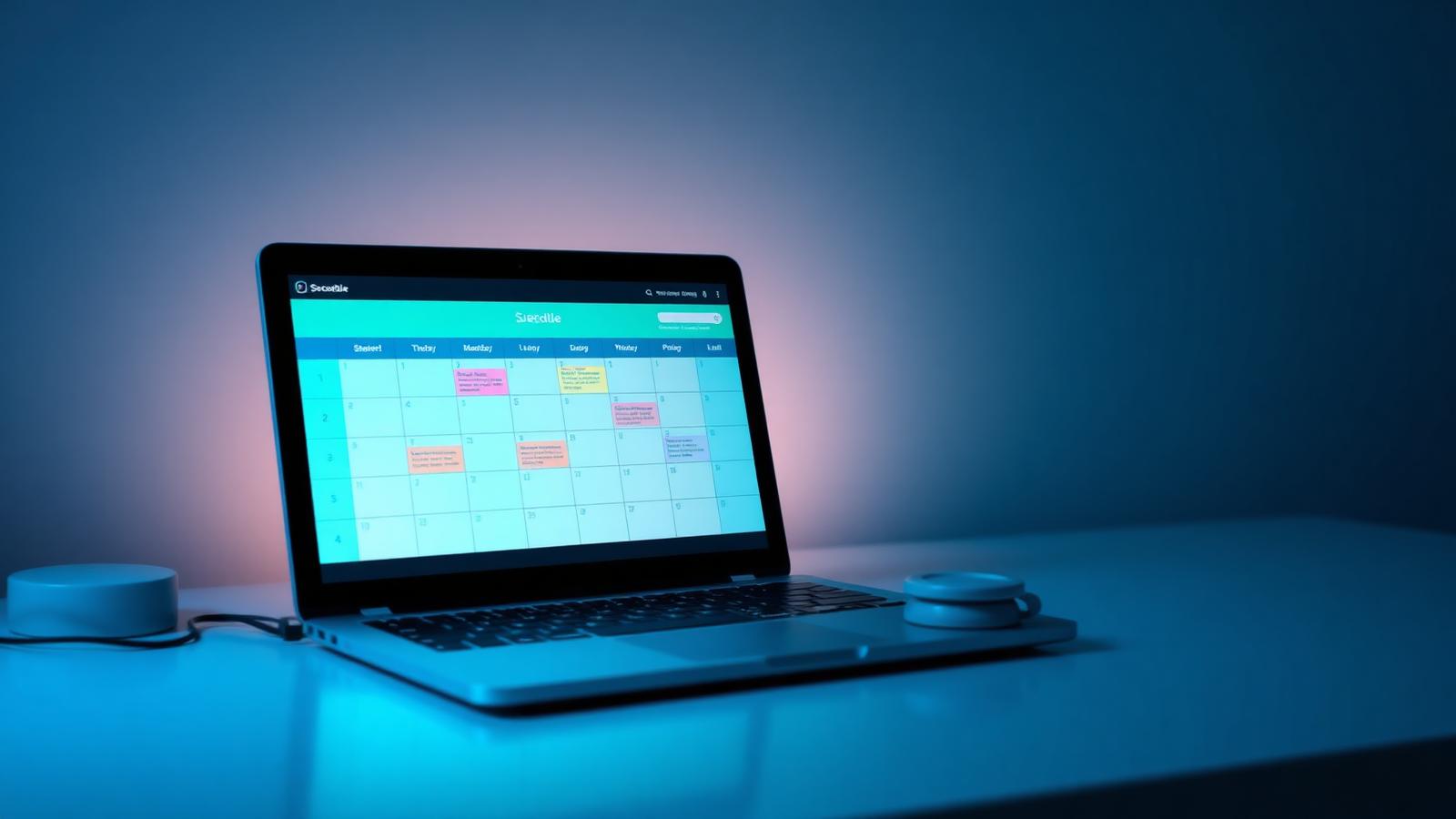

Module hub

One platform, one tile per module

Browse everything PlanSmarter does. Each tile shows the highlights, has room for a screenshot and links to the full module page.

Planning

Planning modules

Highlights per module — open a tile for the full page.

Planner module in PlanSmarter — Daily, weekly, monthly

Planner

  • Daily, weekly, monthly
  • Drag-and-drop assignment
  • Templates
  • Quick add in any cell
Explore
Week View module in PlanSmarter — Drag assignment

Week View

  • Drag assignment
  • Quick-add in cell
  • Status and priority filters
  • Full text in cells
Explore
Projects module in PlanSmarter — Gantt timeline

Projects

  • Gantt timeline
  • Subprojects
  • Members and roles
  • Progress snapshots
Explore
Actions module in PlanSmarter — Department scope

Actions

  • Department scope
  • Per-person completion
  • Deadlines
  • Categories
Explore

Documents

Documents modules

Highlights per module — open a tile for the full page.

Files module in PlanSmarter — Tabbed library

Files

  • Tabbed library
  • Multi-file upload
  • Quick viewer
  • Attach to tasks
Explore
3M notes module in PlanSmarter — Notes on any module

3M notes

  • Notes on any module
  • Anchored to context
  • Personal by default
  • Central overview
Explore

Meetings

Meetings modules

Highlights per module — open a tile for the full page.

Meet module in PlanSmarter — Extended agenda

Meet

  • Extended agenda
  • Invites and RSVP
  • Multiple slide decks
  • Minutes
Explore
Contacts module in PlanSmarter — Internal and external

Contacts

  • Internal and external
  • Instant search popup
  • CSV import and export
  • Duplicate detection
Explore

People

People modules

Highlights per module — open a tile for the full page.

MY PS module in PlanSmarter — Draggable grid

MY PS

  • Draggable grid
  • Deadlines first
  • Keyboard shortcuts
  • Persistent layout
Explore

Add-ons

Add-ons modules

Highlights per module — open a tile for the full page.

Ready to see it on your own data?

Free to start. No credit card, no setup project.