


Planning
The week, person by person
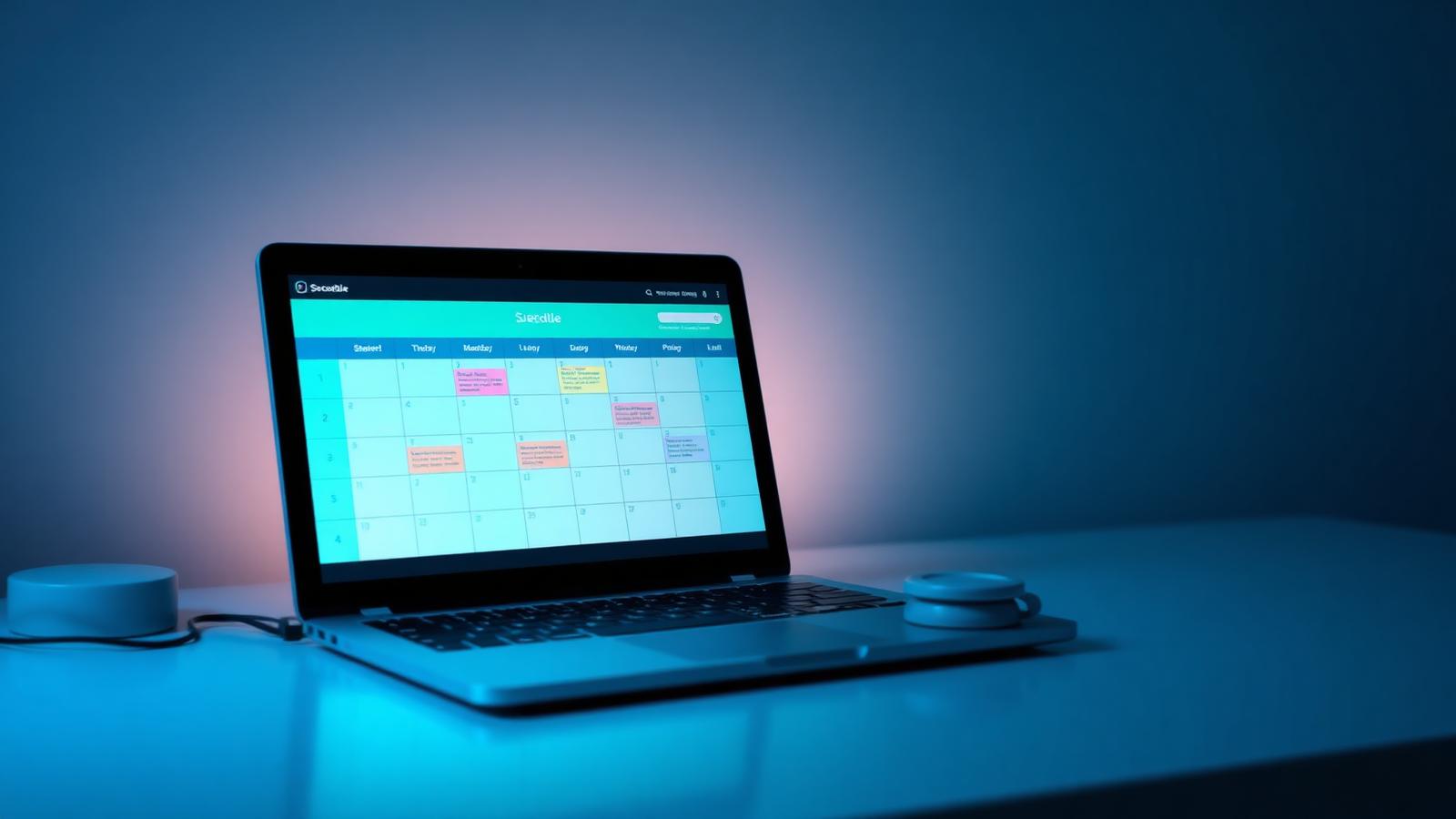
A grid where every column is a day and every row is a person. Assign, reassign and print it.
Why it exists
Week View is the planning meeting, made permanent. Instead of redrawing a whiteboard every Monday, you drag names into cells, and the same grid is what employees see on their phones for the rest of the week.
Week View is the planning meeting, made permanent. Instead of redrawing a whiteboard every Monday, you drag names into cells, and the same grid is what employees see on their phones for the rest of the week.
Features
What you get
Move work between people and days directly in the grid.
Add a task where it belongs without a dialog.
Narrow the grid to open, blocked or critical work.
Show complete task text when detail matters.
Print the week with your logo for the wall.
Revert a mistaken change; postponements can require approval.
Benefits
What it changes for your team
For planners
- Plan a full week in one screen
- Balance load visually
- Export for the shop floor
For employees
- See exactly what is yours
- Swipe to complete on mobile
- Ask to postpone, with a trail
For the organisation
- Fewer planning meetings
- Consistent weekly rhythm
- Printed plan matches the system
Screenshots
See it in the product
Real screens captured from PlanSmarter.
Works together