


Planning
One board the whole team actually reads
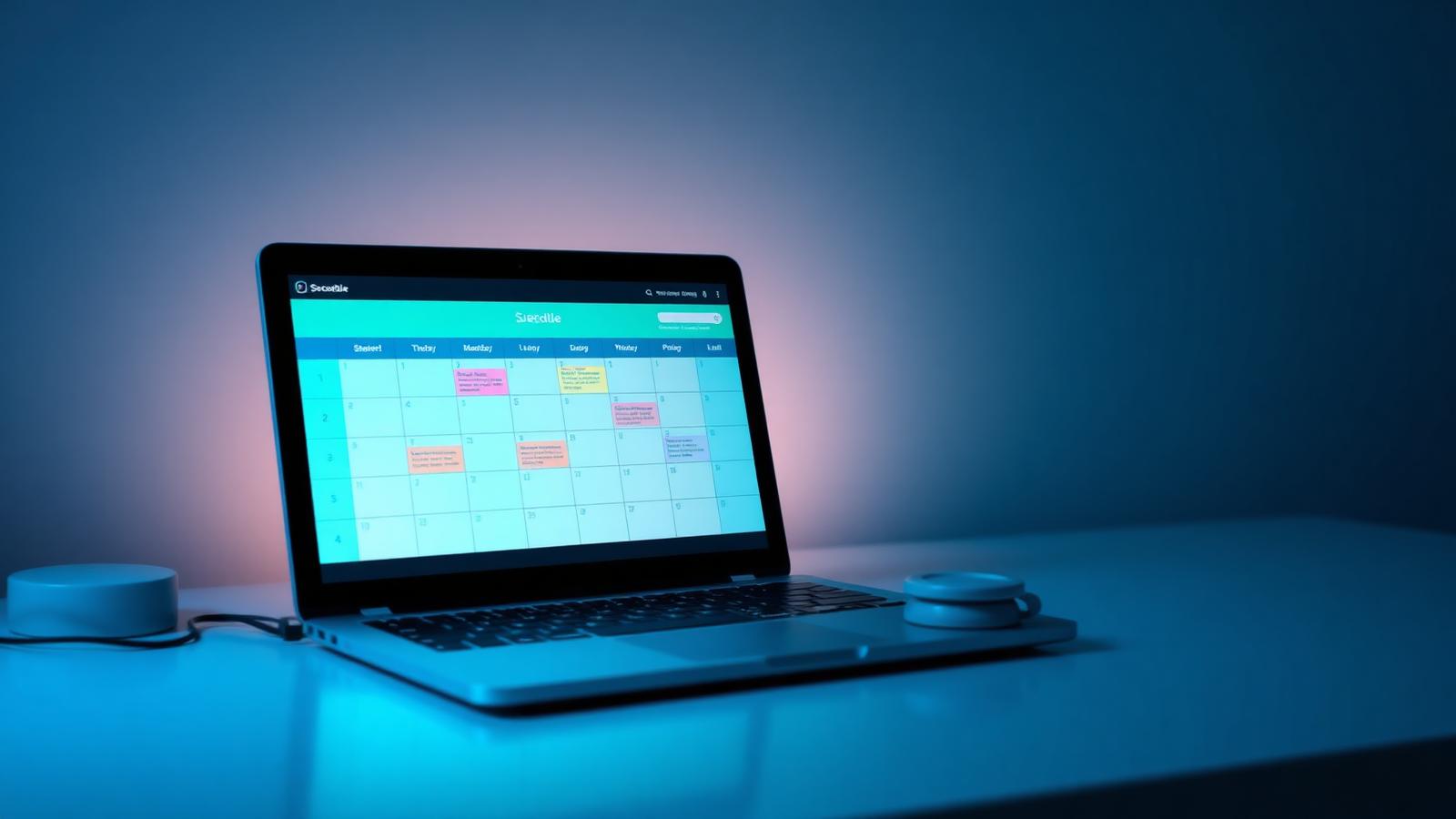
Plan the day, the week and the month in the same place. Drag a task onto a person and everyone sees it instantly.
Why it exists
Most teams plan in three tools at once: a whiteboard for today, a spreadsheet for the week and someone's head for the rest. The Planner replaces all three with a single board that works the way a team already talks about work — by day, by person and by department.
Most teams plan in three tools at once: a whiteboard for today, a spreadsheet for the week and someone's head for the rest. The Planner replaces all three with a single board that works the way a team already talks about work — by day, by person and by department.
Features
What you get
Switch range without losing context or filters.
Drop a person on a task, or a task on a person.
Recurring routines become one-click weeks.
Type straight into the day you are looking at.
Filter the board down to exactly what matters now.
Everything overdue or at risk on one screen.
Benefits
What it changes for your team
For managers
- See the whole week at a glance
- Rebalance workload by dragging
- Spot overload before it happens
For employees
- Know today's list without asking
- Update status in one tap
- No duplicate task lists
For the organisation
- One source of truth
- Consistent routines via templates
- Full history of what changed
Screenshots
See it in the product
Real screens captured from PlanSmarter.
Works together